
mz_textui
You know that moment when a server is technically good, but every interaction still screams “old FiveM”? mz_textui fixes exactly that little detail. Clean prompts, smooth hold-to-interact behavior and almost no overhead — a tiny resource that can make the whole server feel noticeably more polished.
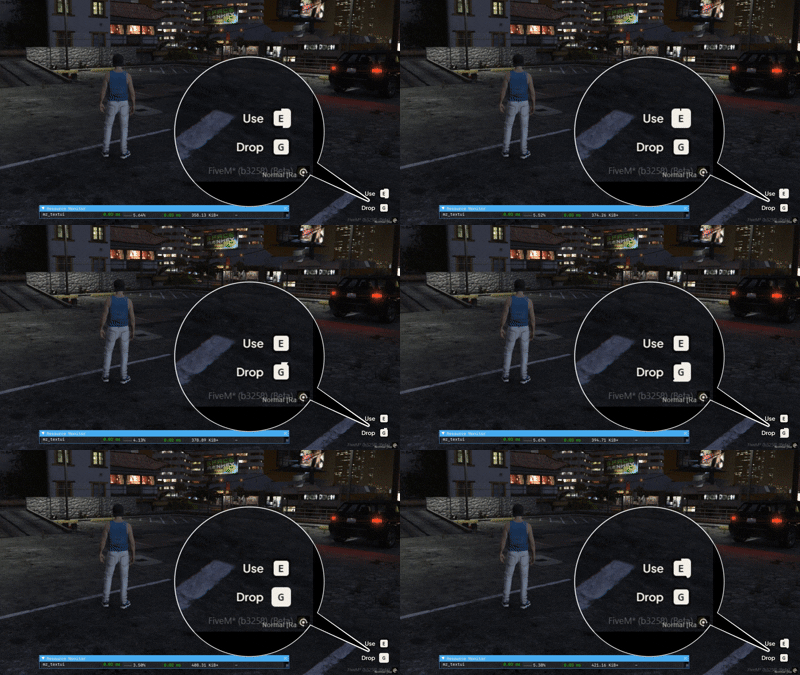
Good interaction design is the stuff players notice without realizing they noticed it.
Open a garage. Search a locker. Enter a property. Manage a business. Talk to an NPC. None of these interactions need a giant menu slapped onto the screen. Sometimes all you need is one clean prompt that feels responsive and gets out of the way.
mz_textui gives ordinary FiveM interactions that satisfying press-and-hold feel players already understand from modern games — without turning a simple prompt into a whole UI framework.
// PRESS · HOLD · DONENo giant dependency chain. No overcomplicated setup. Just interactions that feel right.
Hold-to-Interact
A player does not just tap a button and magically complete an action. Give interactions a configurable hold duration so opening, using or confirming something feels deliberate instead of accidental.
Multiple Keys in One Prompt
Need E to open the garage and F to manage it? Show both actions in one clean prompt instead of stacking several UI elements on top of each other.
Custom Control Mapping
You are not locked into one hard-coded interaction key. Map controls around the resource you are building and keep prompts consistent with the rest of your server.
Trigger on Hold Complete
When the player finishes holding the selected key, mz_textui can fire the associated interaction event. Simple, readable and easy to reuse across different scripts.
Clean Input Handling
Multiple actions can be displayed at once, while only one key can be actively held at a time. Less weird input overlap, less confusing behavior for the player.
Drop It Into Other Resources
The API is intentionally small. Show a prompt, hide it, check the hold state or retrieve the current state without digging through a bloated integration layer.
The kind of API you can come back to three months later and still understand.
You do not need twenty callbacks just to put
[E] Open Garage on the player's screen.
exports.mz_textui:Show({
    text = '[E] Open Garage',
    hold = 1000
})
exports.mz_textui:Show({
    text = '[E] Open Garage [F] Manage Garage',
    hold = 1000,

    controls = {
        {
            key = 'E',
            event = 'garage:open'
        },
        {
            key = 'F',
            event = 'garage:manage'
        }
    }
})
Five exports cover the stuff you will actually use.
exports.mz_textui:Show(options)
Display a configured interaction prompt.
exports.mz_textui:DrawText(text, hold, duration)
Draw text using the supplied hold and duration values.
exports.mz_textui:HideText()
Remove the active TextUI from the screen.
exports.mz_textui:IsHolding()
Check whether a hold interaction is currently active.
exports.mz_textui:GetState()
Read the current TextUI state when another resource needs it.
The player finishes the interaction. Your resource takes it from there.
AddEventHandler('mz_textui:holdComplete', function(data)
    print(data.key)
end)
Garages are just the obvious example.
Garages
Open the garage, store a vehicle or expose a second management action without turning the interaction point into a wall of text.
Doors & Properties
Hold to unlock, enter or manage a property. It feels a lot nicer than accidentally triggering the action because somebody brushed the key.
Job Interactions
Clock in, access storage or interact with workplace systems using a consistent visual language across different jobs.
World Interaction
NPCs, elevators, storage, terminals, checkpoints — if something needs a clean contextual prompt, mz_textui has a place there.
Clean enough to stay visible. Quiet enough not to steal the whole screen.
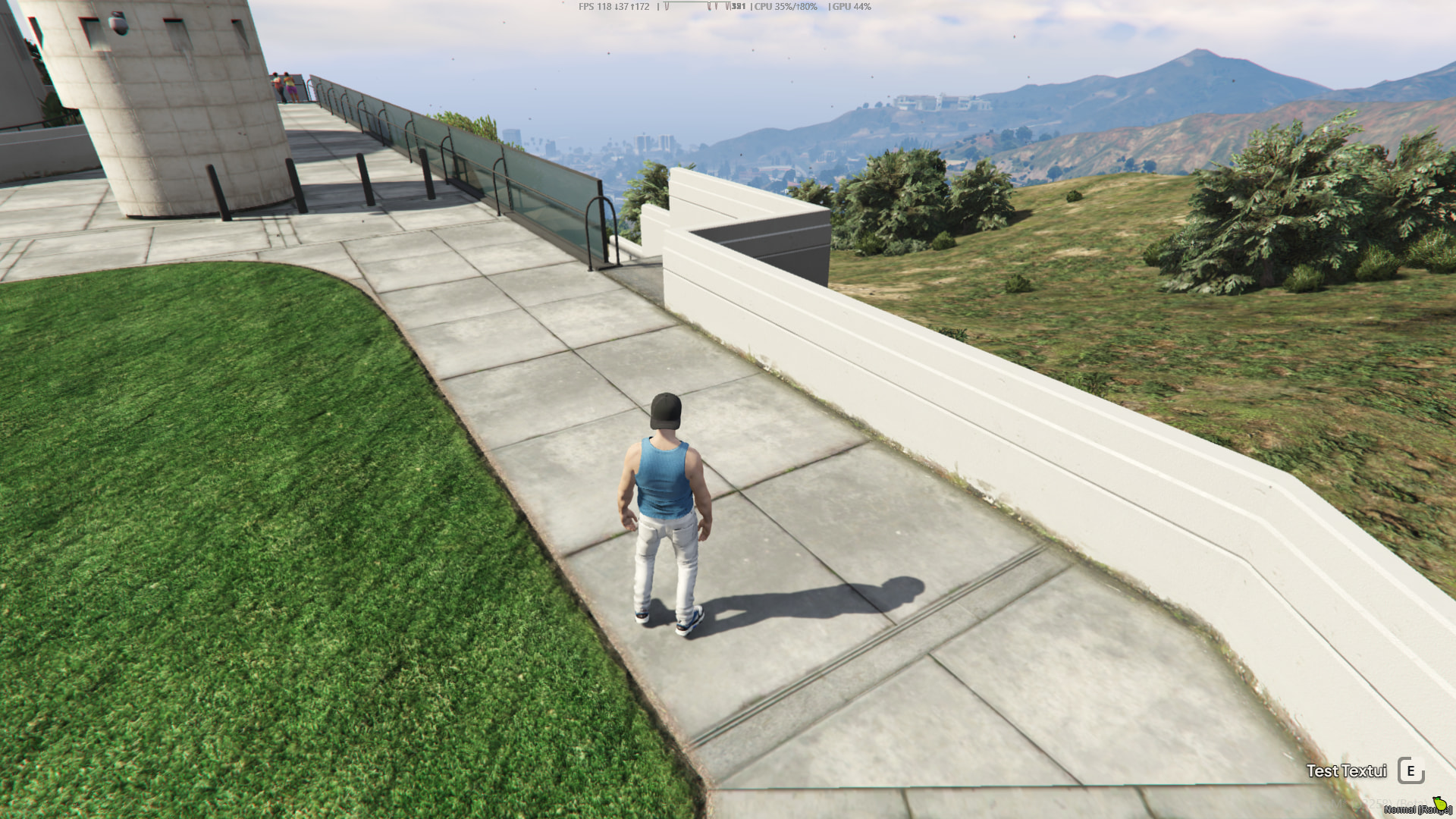
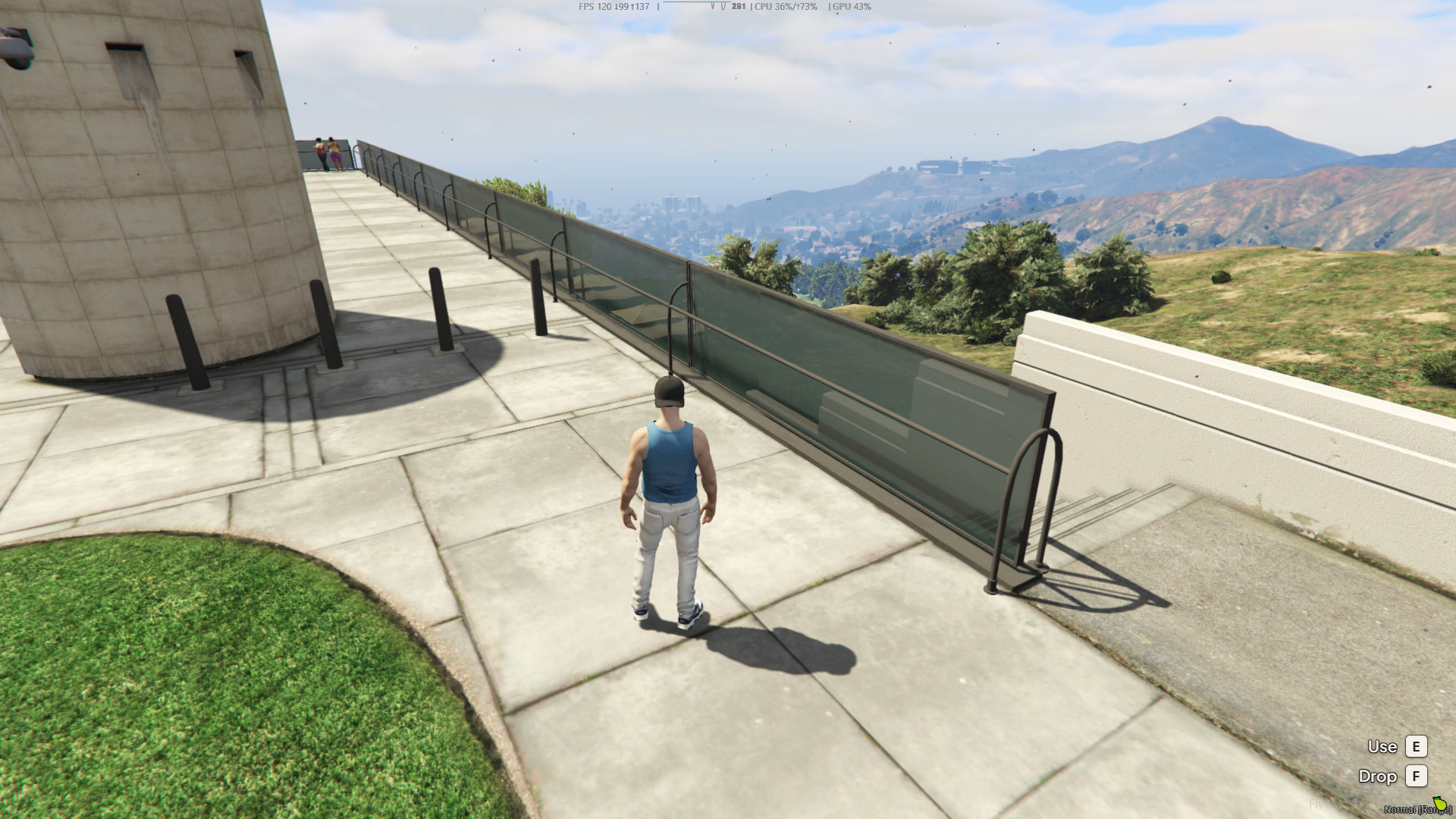
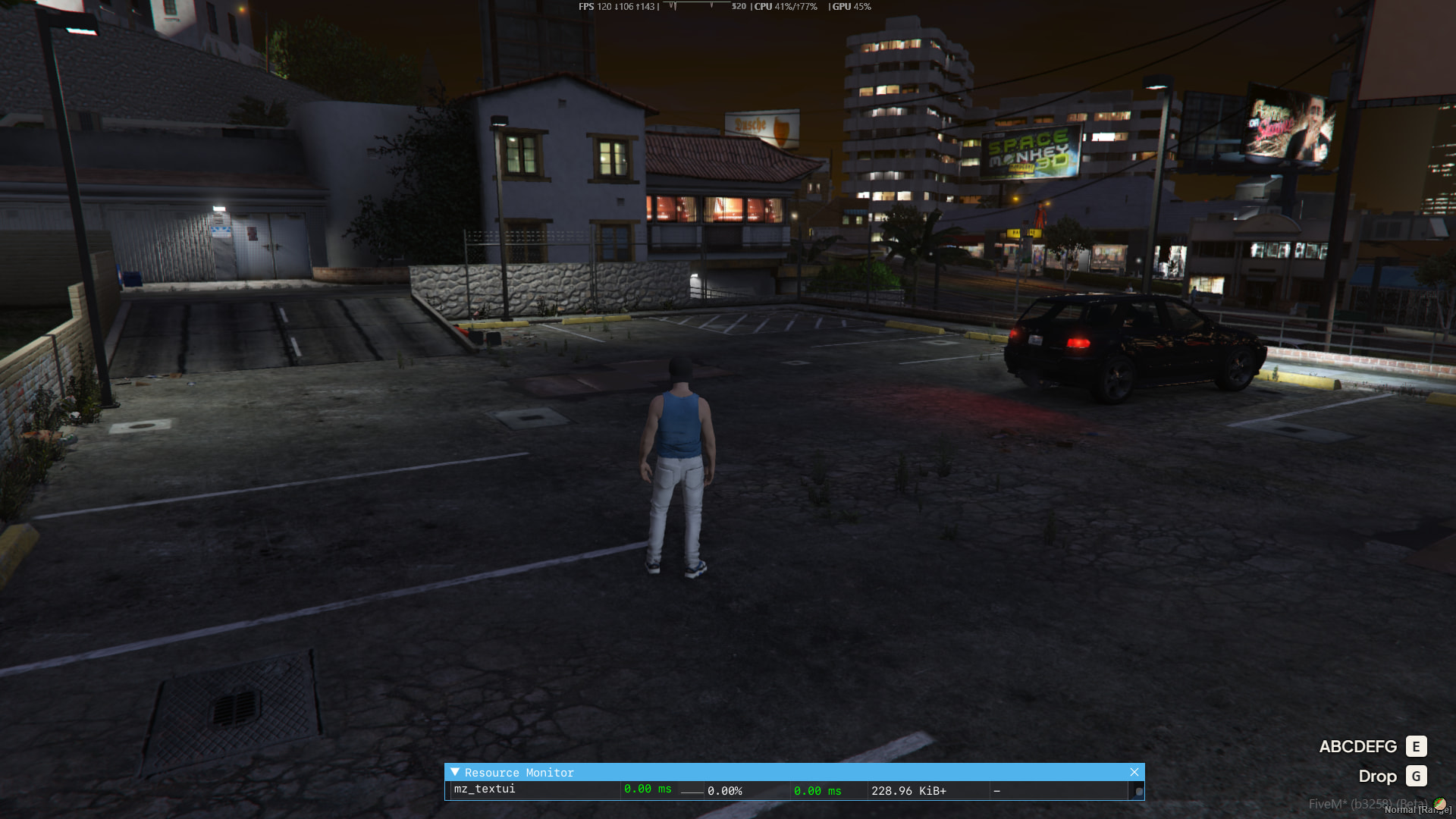
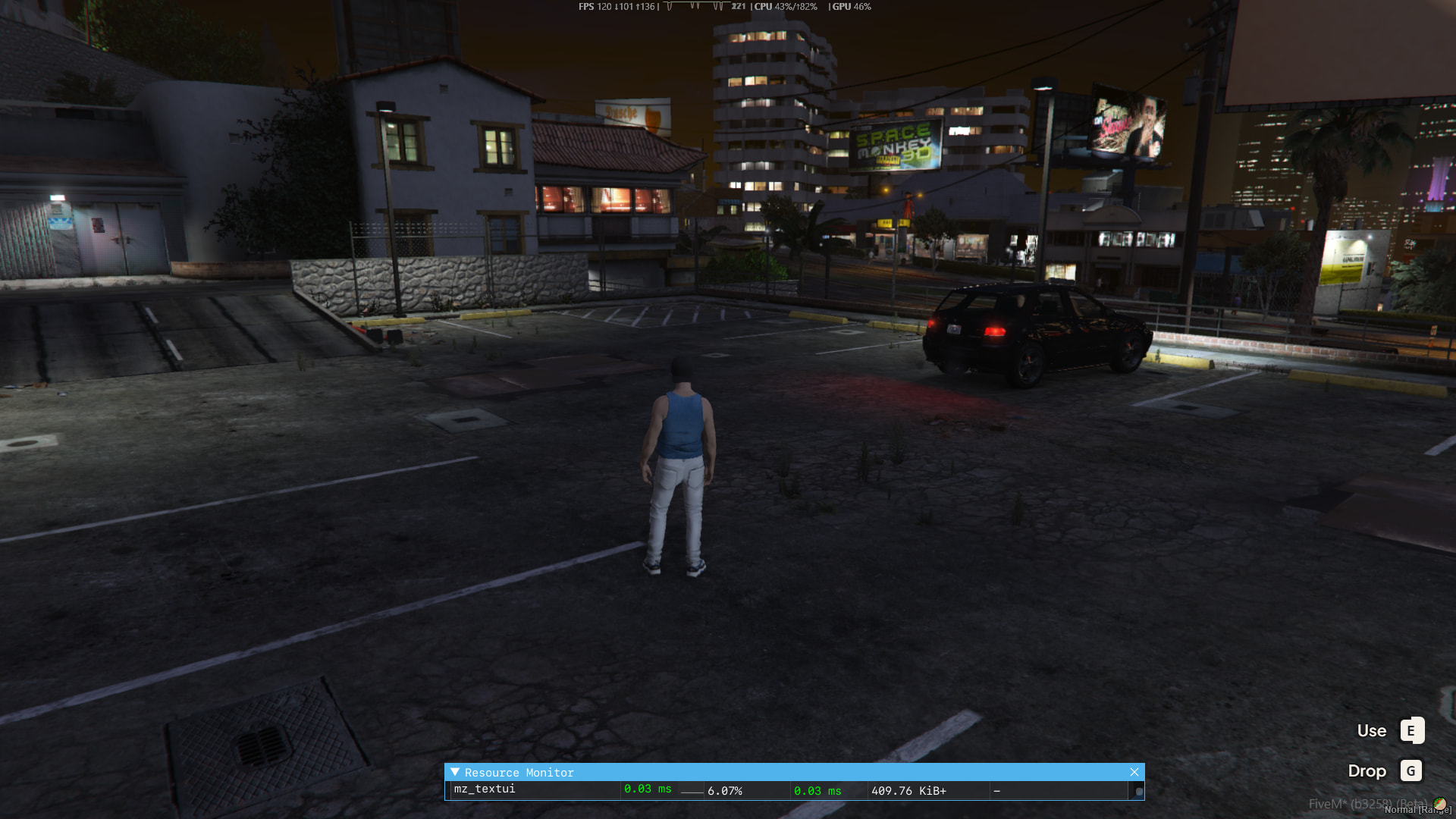
No framework requirement and no subscription hiding behind the download button.
- Price
- Free Publicly available through the developer's GitHub repository.
- Requirements
- None No framework or external dependency is listed.
- Idle Performance
- 0.00 ms Reported resource-monitor usage while idle.
- Active Hold
- ~0.03 ms Reported performance while an interaction key is being held.
- Code Access
- Yes Source code is available from the GitHub repository.
- Approx. Lines
- ~400 Approximate line count supplied with the release information.
- Subscription
- No No recurring subscription is required.
- Support
- Available Developer support is listed as available through MZ Studio.
It is literally a TextUI. And somehow it can make your server feel way more expensive.
That is the point. Players interact with doors, garages, jobs, NPCs and world objects hundreds of times. When those tiny interactions feel clean, responsive and consistent, the whole server feels better. mz_textui gives you hold-to-interact, multiple keys, configurable timing, custom mappings, completion events and a small reusable API — for free.