
Realistic Smoke Grenade
Vanilla smoke has one major problem: it looks like vanilla smoke. Throw this one and the scene actually changes — a thick cloud grows around the canister, fills the area, hangs there with weight and then fades away instead of looking like somebody spawned the same particle loop six times.
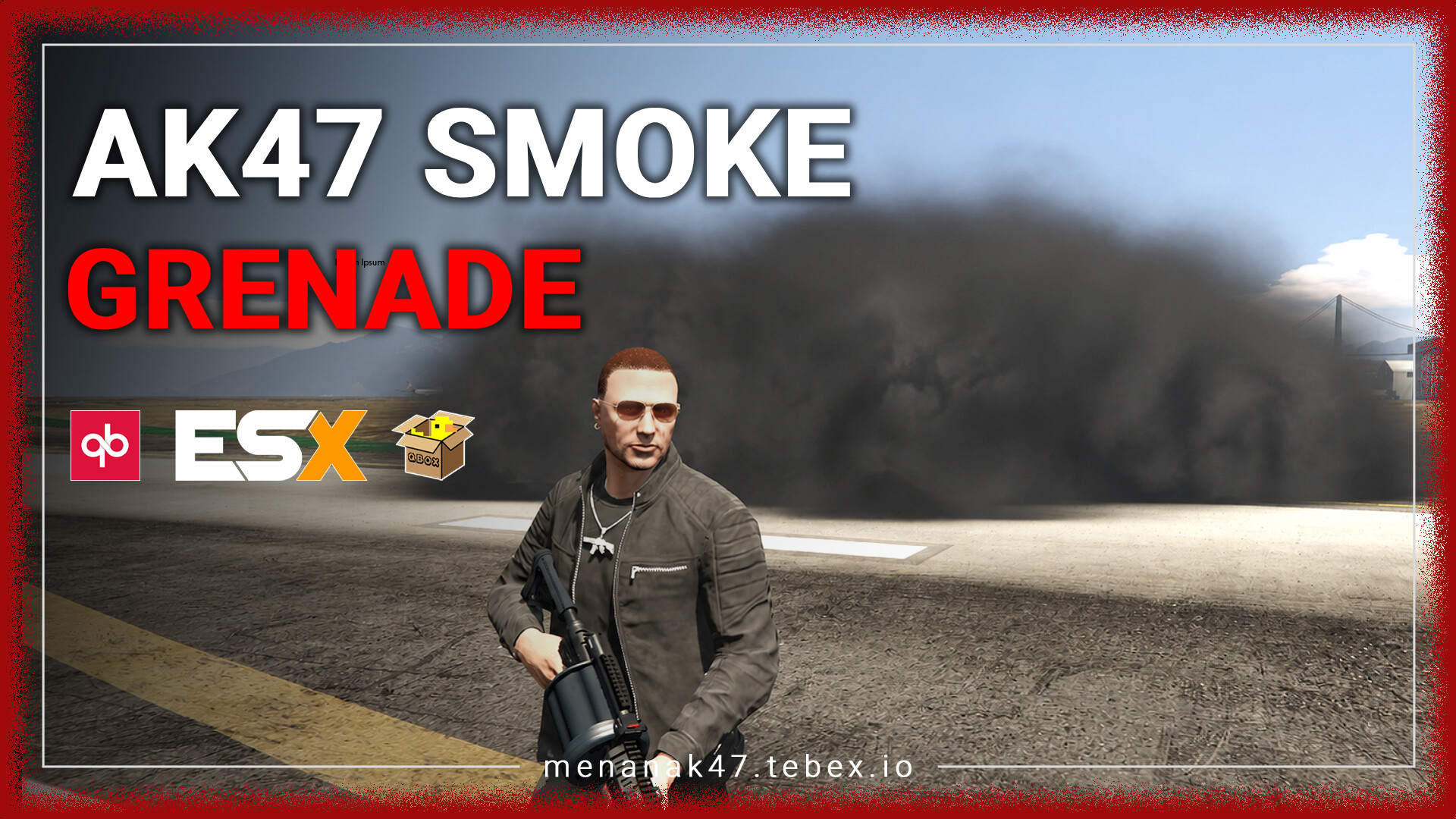
Not one lonely puff. A cloud that actually looks like it belongs there.
The resource builds smoke from multiple emitters around the canister instead of relying on one repeating effect. Small randomized puffs help break up obvious looping patterns while ground checks keep the smoke sitting where the terrain actually is.
The result is simple: when somebody throws smoke during tactical RP, the room, street or checkpoint suddenly feels different. Visibility changes. Players react. The scene gets tension without needing another giant UI or cutscene to tell everyone that something is happening.
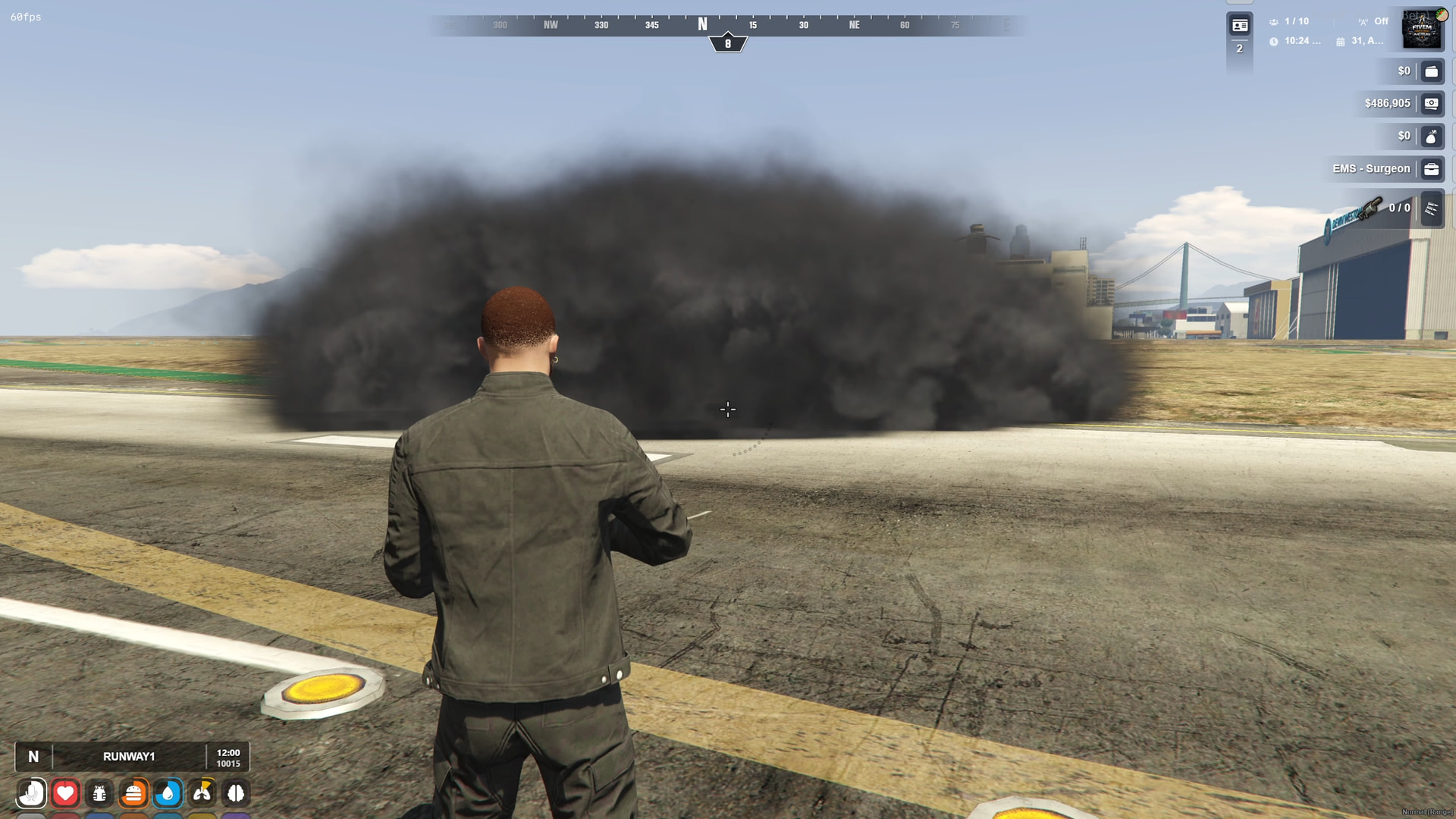
// THE CLOUD IS THE EFFECTThe cloud grows, moves with the terrain and avoids that obvious looping-particle look.
One Canister, One Big Cloud
Six staggered emitters are positioned around the grenade to build a more continuous smoke volume. That means fewer ugly gaps where one effect ends and another suddenly restarts.
The Smoke Does Not Repeat Like a GIF
Randomized micro-puffs appear through the life of the cloud, helping the effect feel less mechanical and a lot more alive when you're standing next to it.
It Actually Respects the Ground
Ground-level raycasting helps position the smoke correctly over asphalt, uneven terrain and slopes instead of leaving half the cloud floating somewhere above the pavement.
Enough Coverage to Change the Scene
At peak density, the cloud is designed to create strong visual obstruction for tactical roleplay, training scenarios and staged emergency-response scenes.
No instant full-size cloud. No disappearing act at the end.
It Starts Small
The effect expands progressively from the initial ignition scale toward the full configured smoke volume.
Then the Area Disappears
The cloud reaches its dense phase and holds meaningful visual coverage instead of immediately fading after deployment.
Then It Leaves Properly
Smoke gradually thins and expands slightly while its opacity fades, giving the effect a smoother end instead of suddenly switching off.
Track the projectile first. Spawn the smoke where the canister really stops.
Follow the Grenade Through the Air
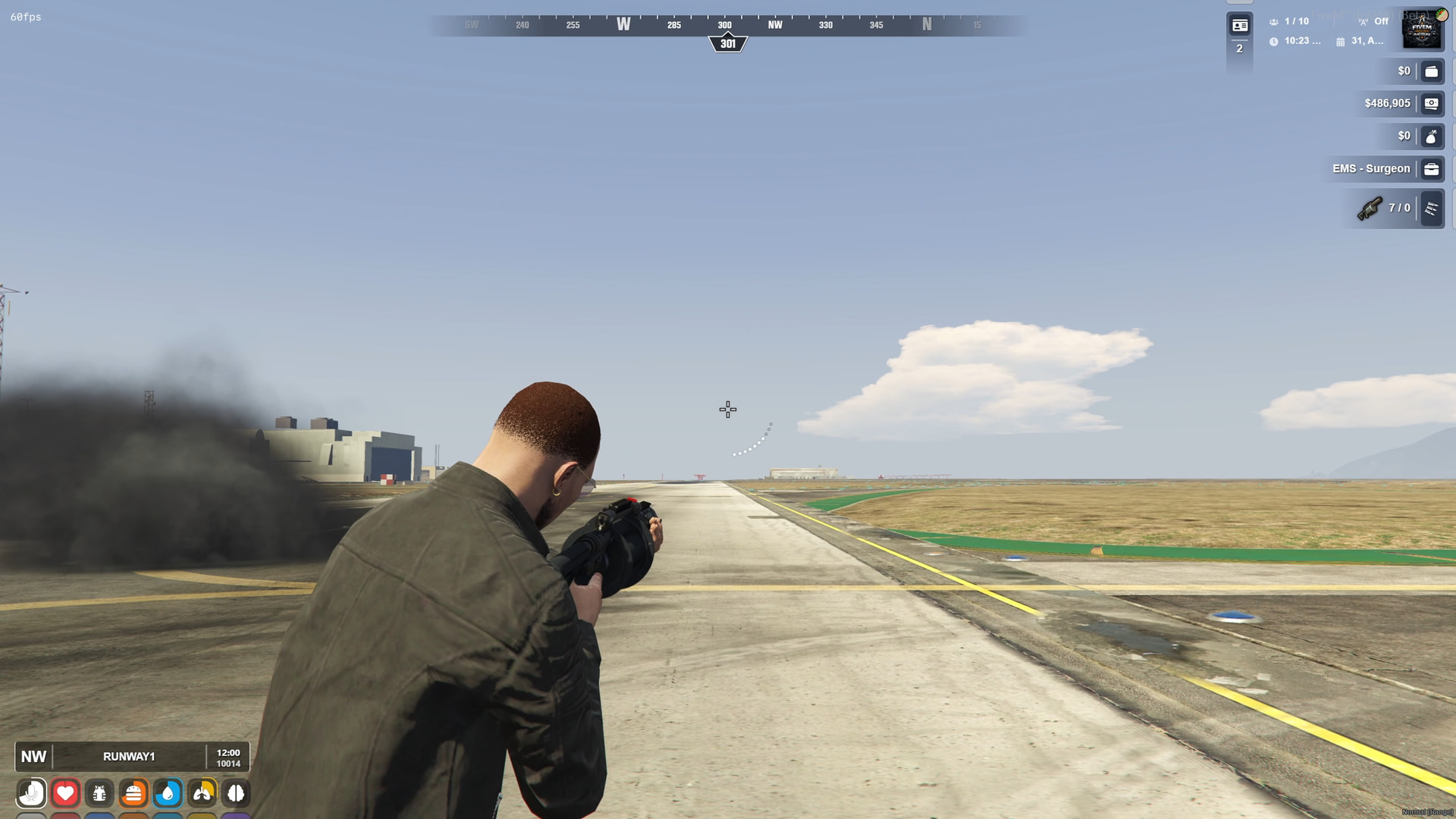
Thrown grenades and supported launcher projectiles can be tracked while they are moving rather than guessing where the effect should appear.
Wait Until It Stops Rolling
The script can wait for the canister to come to rest before the main synchronized cloud is deployed. Tiny detail. Massive difference when you watch it happen.
Fallback Detection Included
A server-side event fallback is included so fast-moving gameplay does not rely on only one detection path.
More Than One Smoke Weapon
The release lists support for the standard smoke grenade, smoke launcher rounds, BZ Gas and configurable custom weapon entries.
Everybody should be looking at the same cloud.
One active smoke state for the server.
Active smoke clouds are synchronized across connected players with duplicate-trigger protection. The goal is simple: when a grenade changes visibility in a scene, everybody taking part in that scene should experience the same thing.
Joined Late? The Smoke Is Still There.
Newly spawned or reconnected players can receive currently active smoke clouds with their elapsed phase and remaining lifetime taken into account.
Gone Means Gone
When the cloud expires — or the resource restarts — active smoke state is cleaned from the server and client side instead of leaving old effects hanging around forever.
If the player cannot see the cloud from where they are, there is no reason to keep drawing it.
Distance Culling
Smoke outside the configured render distance can be despawned on the client and recreated if the player returns within range.
It Does Not Need to Panic While Nothing Is Happening
The idle tick is described as sleeping at 1000ms, with more active work focused around relevant weapons and nearby active smoke.
Use the effect for atmosphere and tactical RP without forcing unwanted damage behavior.
A configuration option is provided to suppress weapon or gas damage so the smoke can remain a non-lethal visual gameplay element when that better fits the server's design.
That makes the resource useful outside combat-heavy servers too: police training, response scenarios, events, cinematics and other RP scenes can use the cloud without automatically turning it into a damage mechanic.
// VISUAL OR GAMEPLAY · YOU DECIDEThe whole point is seeing how much of the scene disappears once the cloud fills out.
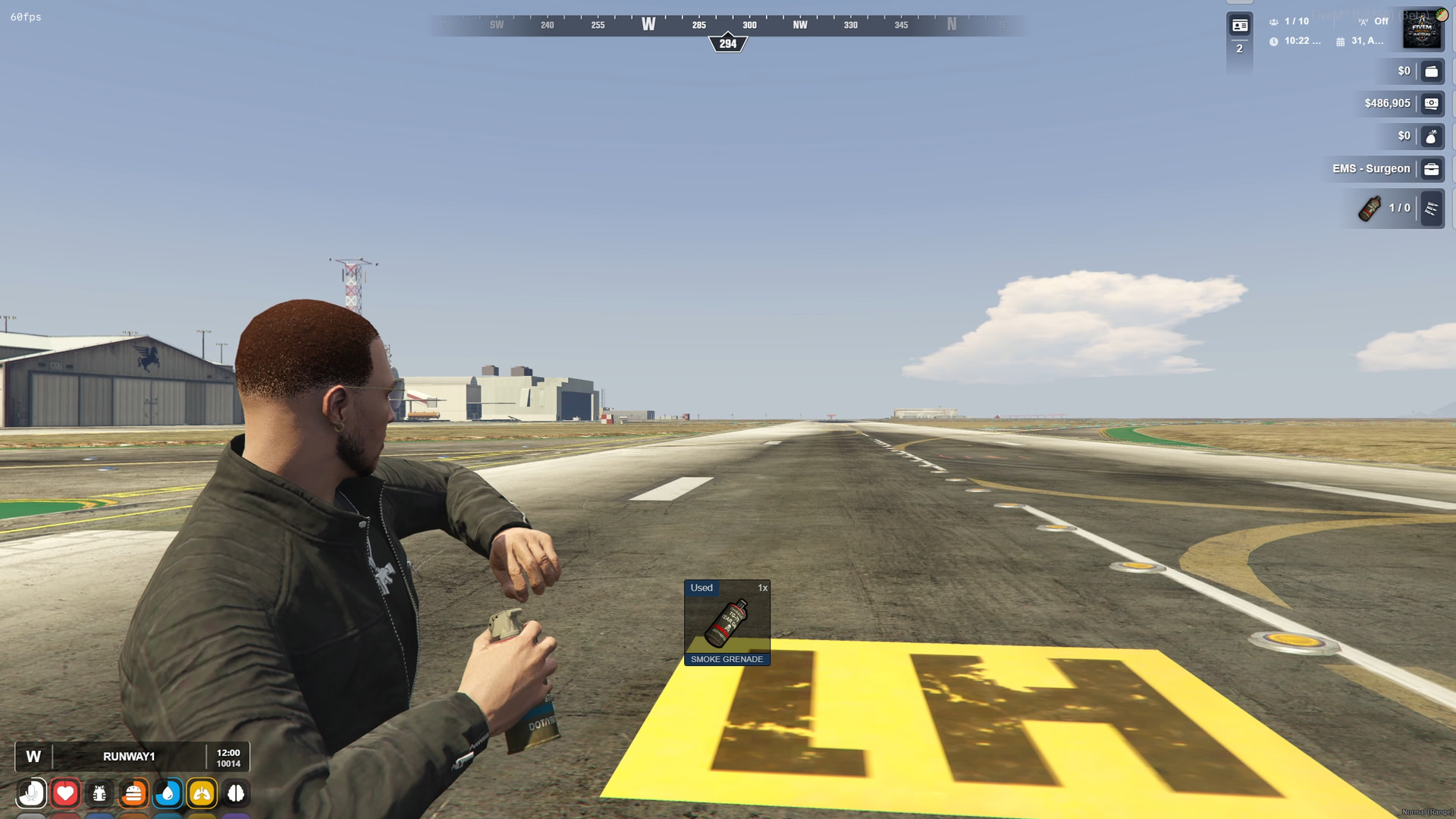
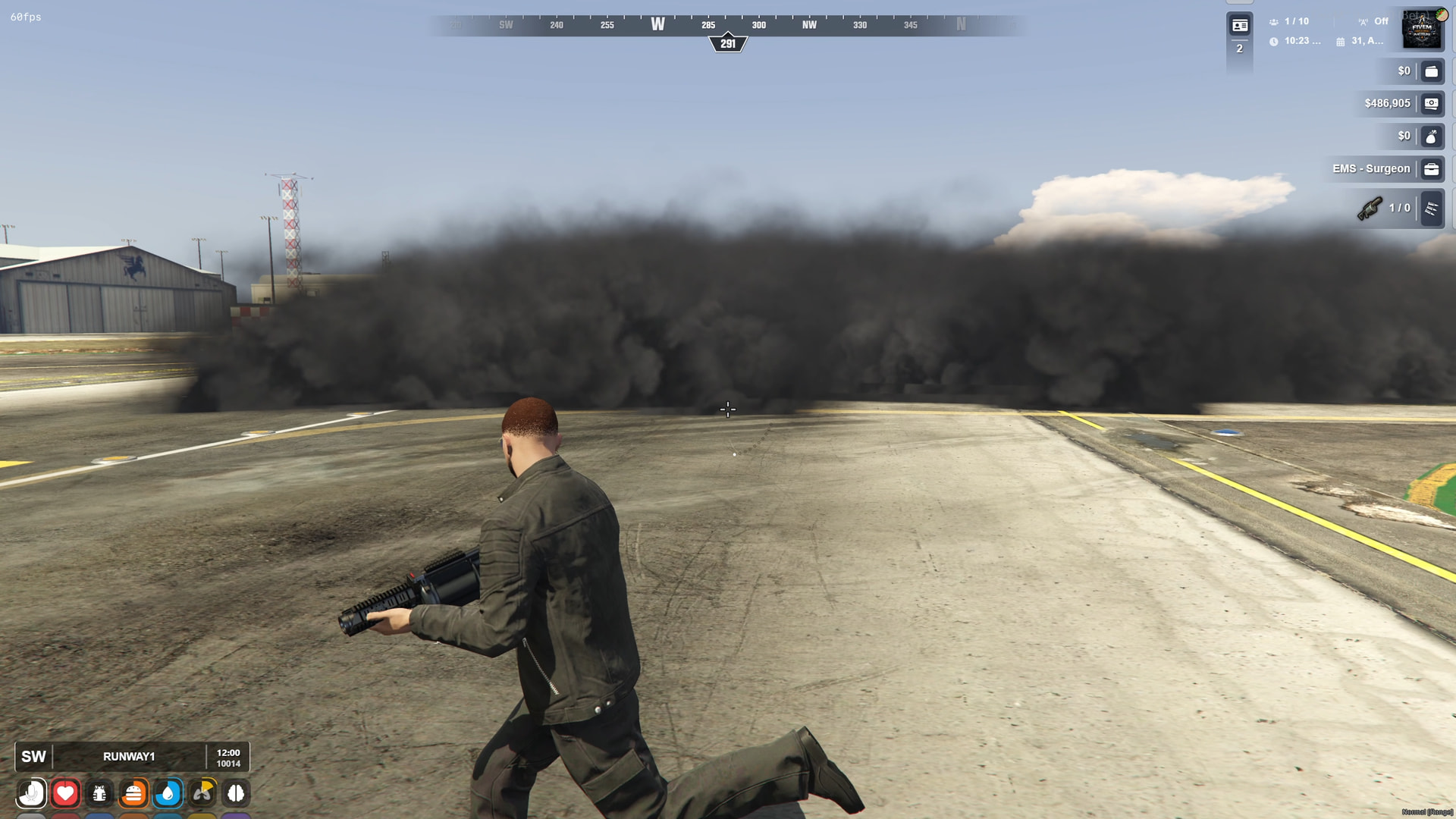
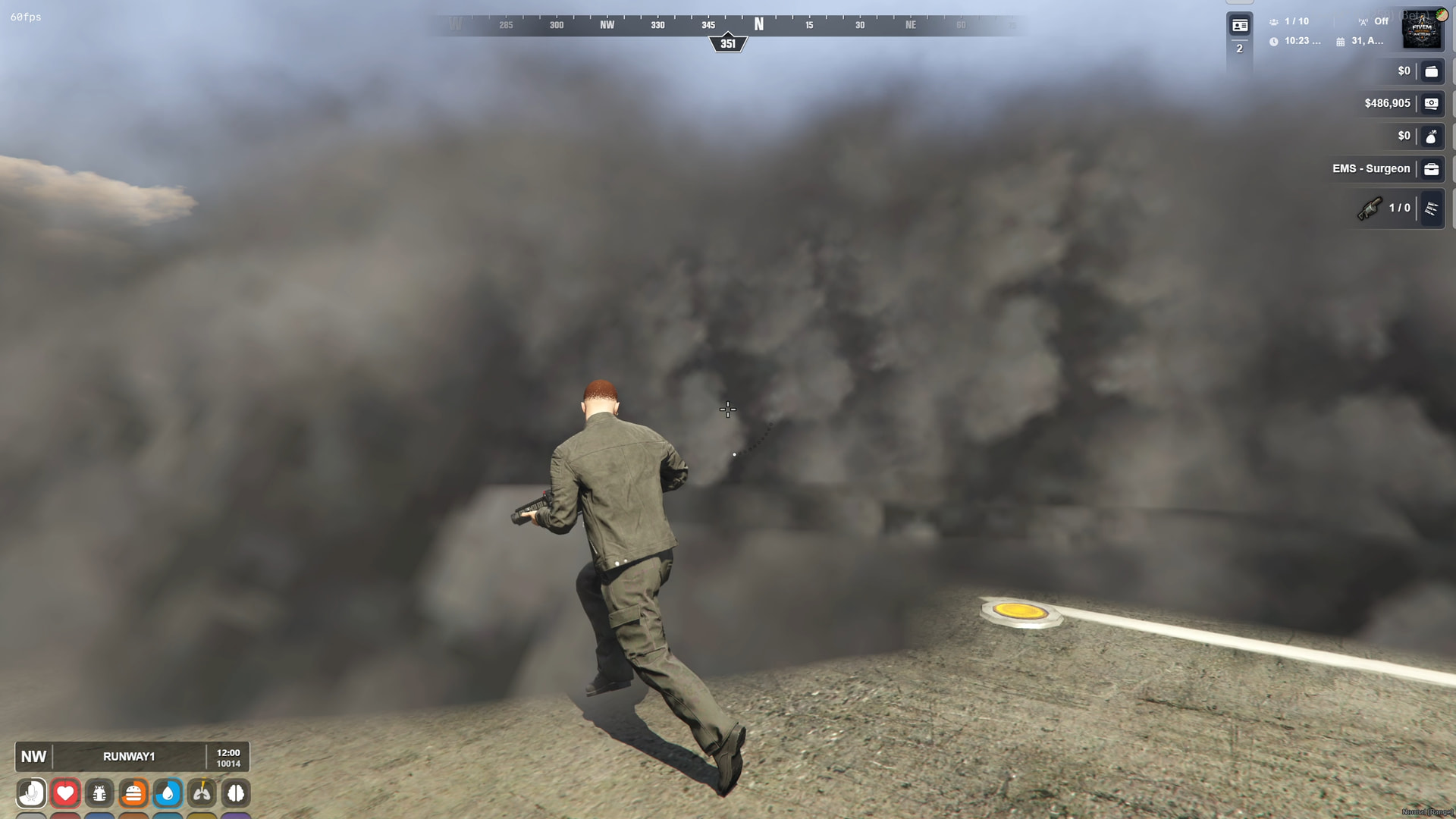
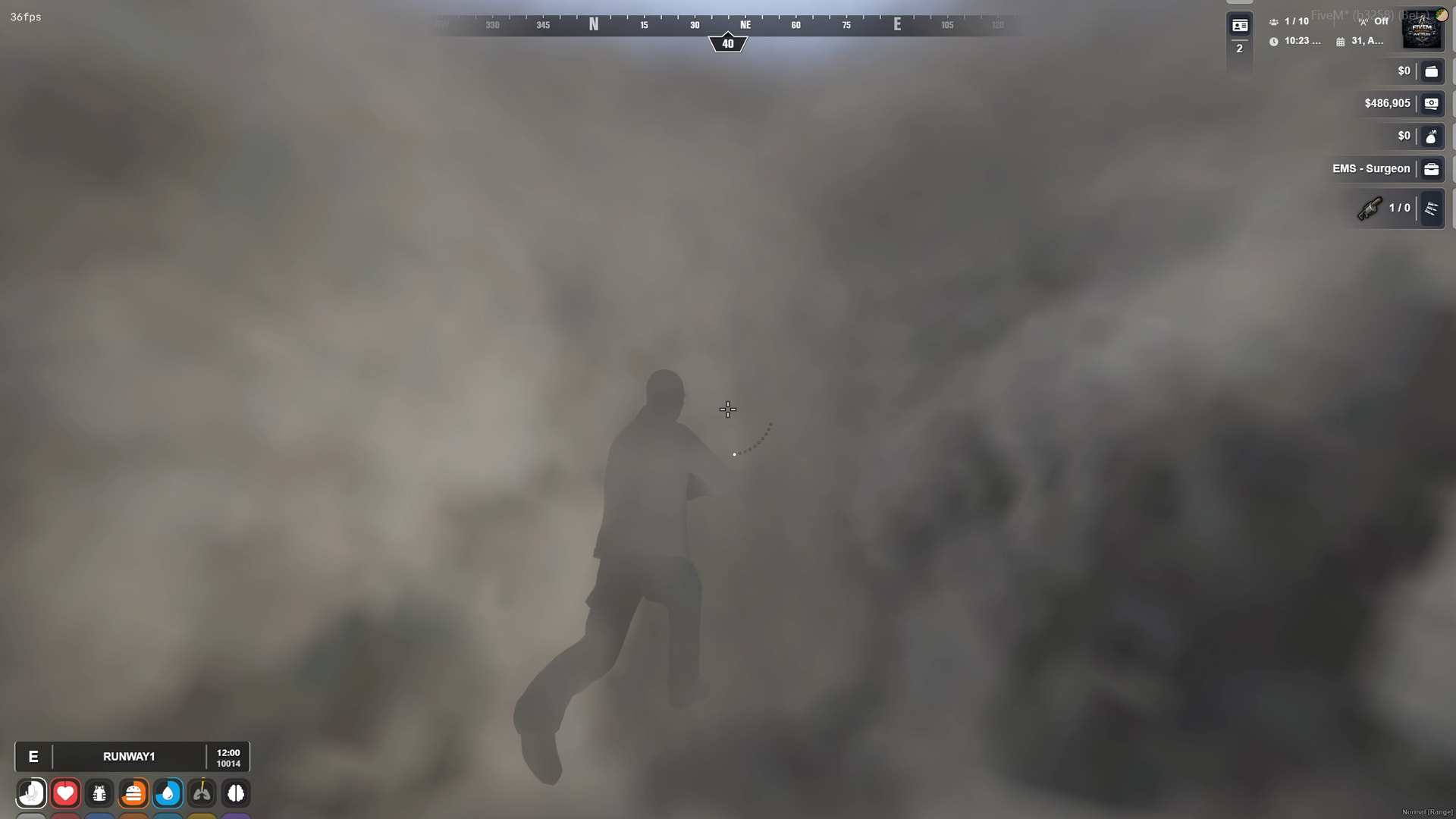
No ESX requirement. No QBCore requirement. No QBox requirement. It just runs standalone.
- Framework
- Standalone Works independently and can be used alongside ESX, QB, QBX or other frameworks.
- Dependencies
- None No external dependency is listed.
- Smoke Architecture
- Multi-Emitter Six staggered billow emitters plus randomized micro-puff effects.
- Lifecycle
- 3-Phase Growth, peak coverage and smooth dissipation behavior.
- Synchronization
- Multiplayer Includes real-time server sync and late-join/reconnect handling.
- Rendering
- Distance Culled Configurable render distance helps avoid unnecessary distant particle rendering.
- Code Access
- Config Only The technical information lists configuration access rather than full source access.
- Approx. Lines
- 600+ Approximate line count listed by the developer.
- Purchase Options
- Multiple The supplied listing states both subscription-based and non-subscription options are available.
- Support
- Discord Developer support is listed as available.
Add the resource, tune the values you care about, start it and move on.
-
Download
ak47_smokegrenadefrom the CFX portal associated with your purchase. -
Place the resource inside your FiveM server's
resourcesdirectory. -
Review
config.luaand adjust supported values such as duration, smoke scale, render distance and damage behavior. -
Add the resource to
server.cfgusing the supplied resource name. - Restart the resource or server and verify synchronization and visual behavior with multiple players before deployment.
Watch the showcase, check the package and decide if vanilla smoke has survived long enough.
Throw one grenade and suddenly the entire scene has a different atmosphere.
Multi-emitter smoke, organic particle variation, ground-aware placement, staged expansion, smooth dissipation, projectile tracking, multiplayer synchronization, reconnect handling and distance culling turn a tiny gameplay object into something players actually react to.